
SQLWATCH should feel like it was built just for you. Now it is.
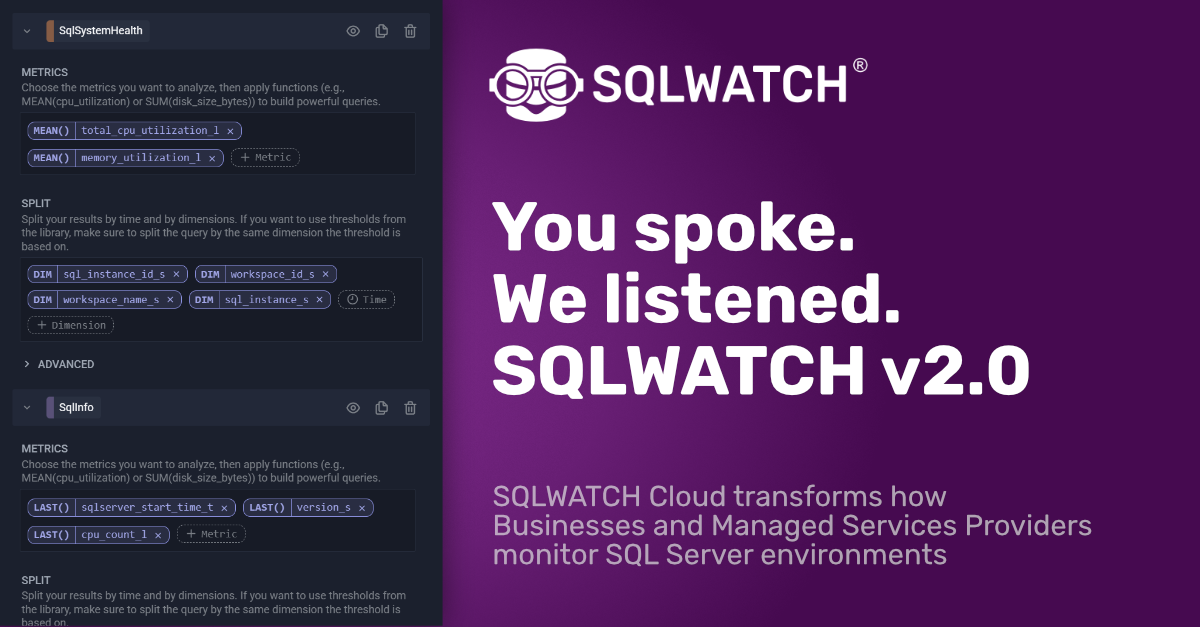
As we said in our recent post, we had an ‘introspective’ 2025. Well, this means we’ve been doing more listening and less talking, having many conversations with our clients and in the market. From database admins who need visibility into query performance at 3am. To MSPs juggling many different client environments. To DevOps teams who are tired of monitoring tools that force them into rigid, one-size-fits-none dashboards.
You spoke. We listened. The message came through loud and clear, re-affirming our mantra: monitoring isn’t a commodity. It’s personal. What matters to a financial services firm running mission-critical transactions is completely different from what an e-commerce platform needs during Black Friday, or what a healthcare provider requires for database compliance monitoring.
So, we went back to the drawing board. Not to add a few features or patches here and there, but to fundamentally reimagine what a monitoring platform could be when it’s designed around one core principle: your monitoring, your way.
Build Your Dashboard. Own Your View.
Let’s start with the most requested feature: fully customisable dashboards.
Not “pick from these twelve templates” customisable. Not “drag these pre-built widgets around” customisable. We mean build-it-from-scratch, pixel-perfect, exactly-what-you-need customisable.
Create as many dashboards as you want. One for executives showing high-level health metrics. Another for your DBA team focused on query performance and blocking chains. A third for your infrastructure team monitoring disk I/O and memory pressure. Each one tailored to the exact questions that team needs answered, with the exact metrics that matter to them.
Because here’s what we’ve learned: when everyone is looking at the same generic dashboard, nobody is getting the insights they actually need.
A UI That Gets Out of Your Way
Great monitoring software should be invisible when everything’s running smoothly and instantly intuitive when something goes wrong. Our new UI redesign was built with that philosophy at its core.
The new left-side navigation gives you persistent access to everything you need without cluttering your workspace. Switch contexts rapidly. Jump between servers. Access alerts. All without losing your place.
We’ve also introduced collapsible panels so you can focus on exactly what matters right now. Drilling down doesn’t mean drowning in data anymore. Expand the panels you need, collapse the rest, and get straight to root cause.
Speaking of drilling: drill down and drill up navigation is now truly flexible. We’re not locking you into a predefined hierarchy anymore. Your infrastructure doesn’t follow a neat org chart, so why should your monitoring? Navigate the way that makes sense for your investigation, not the way we think you should navigate.
The new dynamic zoom timeline feature is something we’re particularly excited about. Visual feedback that adapts in real-time, letting you see at a glance large amount of data points with ability to zoom into detail. Combined with colour coding that corresponds directly to your server health, you can assess your entire environment’s status in seconds.
Alerts That Actually Work
Let’s be honest: most alerting systems are either too noisy or too quiet. You’re either drowning in false positives or missing critical issues because alerts were too complicated to configure properly.
Our reimagined alerts module changes that equation entirely.
Routing lets you send different alerts to different teams through different channels. Page the on-call engineer for critical database issues. Send capacity warnings to your infrastructure team via email. Post deployment notifications to your Slack channel. All configured once, working automatically.
Maintenance windows finally work the way they should. Schedule planned maintenance and automatically suppress alerts during that window. No more emergency notifications at 2am because someone forgot to disable alerts before patching.
Here’s a game-changer: logs included directly in alerts. No more “server is down” followed by fifteen minutes of hunting through log files to figure out why. The relevant log entries are right there in the alert, giving you context immediately.
And multiple channels mean you’re not locked into our preferred notification system. Email, SMS, Slack, Teams, webhooks-use what your team already uses.
Query Metrics: From Reactive to Proactive
Until now, if you wanted to track a specific metric, you had to build it into a dashboard. But what about those ad-hoc questions that come up during investigations? “What was the average query execution time for this stored procedure between 2pm and 4pm yesterday?”
New query metrics let you create custom queries on the fly. Pull exactly the data you need for the investigation you’re doing right now, without cluttering your dashboards with one-off views you’ll never look at again.
Snapshots: Time Travel for Your Database
We offer data retention options between 30 and 90-days, but the need to investigate historical issues beyond this window is also important, but can become costly. Snapshots give you the best of both worlds.
Instead of retaining granular metrics for even longer, capture snapshots of your environment at key moments. Before a deployment. During a performance issue. After a configuration change. Then compare those snapshots to understand exactly what changed and why.
MSPs: We built this with you in mind
Managing monitoring for multiple clients is its own special challenge. So we built features specifically for you, and have many more planned for 2026 based on your feedback.
The MSP total view gives you a single pane of glass across all your clients. One URL. Log in and see everything at once. Better dashboard and metrics management. Identify which clients need attention. Prioritise your day + let your clients see their own environment and dashboards.
We are developing more capabilities this year, including white label options and ticketing / messaging that enables clients to collaborate with you, on the same platform, on the same metrics and charts for maximum alignment.
The Little Things That Matter
Sometimes it’s the small improvements that make the biggest difference in daily workflow. Error log exclusions let you filter out repetitive, known errors so you can focus on what actually matters. If you know that a particular error appears every morning during backup and it’s harmless, exclude it. Keep your logs clean and actionable.
Your Monitoring, Your Rules
We’ve learned that the best monitoring platform isn’t the one with the most features. It’s the one that adapts to how you work, not the other way around.
Every feature we’ve built reinforces that same principle: flexibility, customisation, and putting you in control. Whether you’re a solo DBA managing a handful of servers or an MSP overseeing hundreds of client environments, you should have monitoring that works exactly the way you need it to.
We listened. You spoke. And together, we’ve built something better.
Ready to see it in action? Let’s talk.